Video Tutorials
Step-by-step video guides to set up, search, organize, and export your Reddit saves.
Each tutorial below walks through a specific Readdit Later feature in under three minutes. Start with "Get Started in 2 Minutes" to install the extension and sync your entire Reddit save history, then explore AI-powered search, automatic labeling, export workflows, and more. Every video shows the actual extension interface so you can follow along in real time.
Whether you're setting up for the first time or discovering features you didn't know existed — like the AI chat agent that can search, summarize, and organize your saves in plain English — these tutorials cover every workflow from basic browsing to full second-brain integration with Notion and Obsidian.
See exactly how it fits your workflow.
Short walkthroughs that show you what changes in your day-to-day. Watch one, try it, come back for the rest.
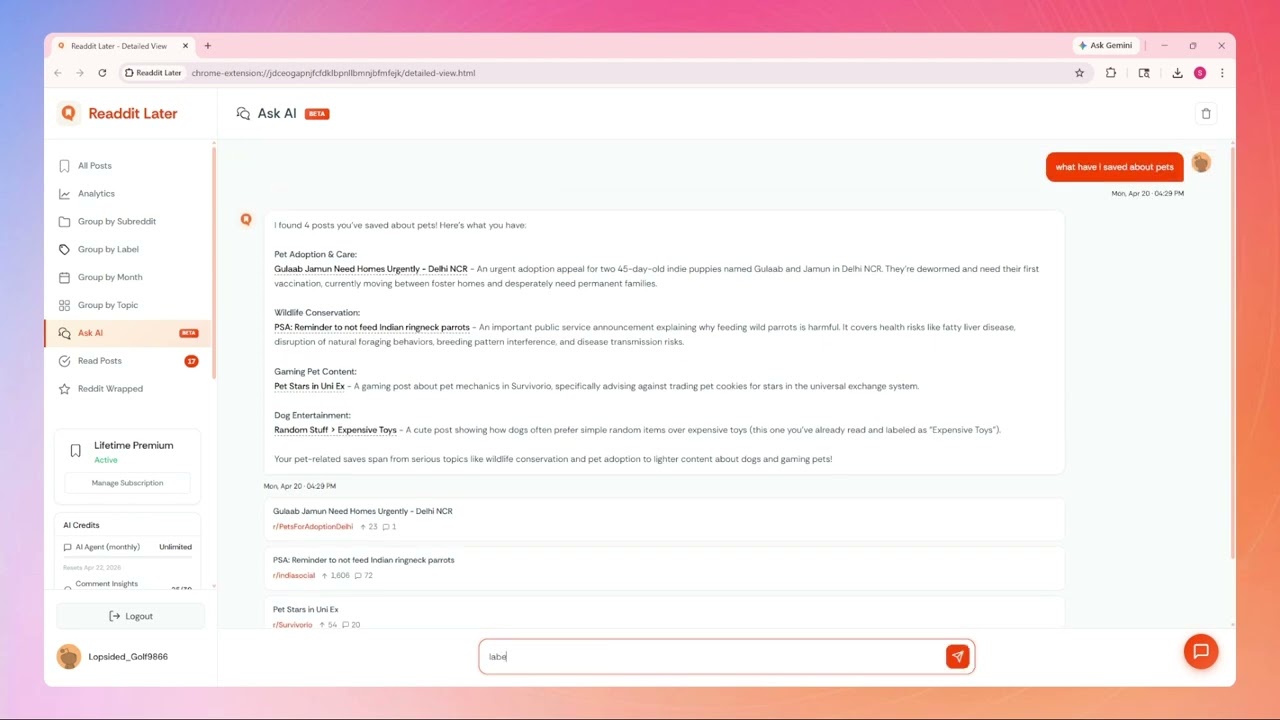
Your Saved Posts, Now With a Brain
Meet your built-in AI agent. Ask it to search, summarize, label, delete, or export your saved posts - it learns your collection and gets things done, all without leaving your browser.
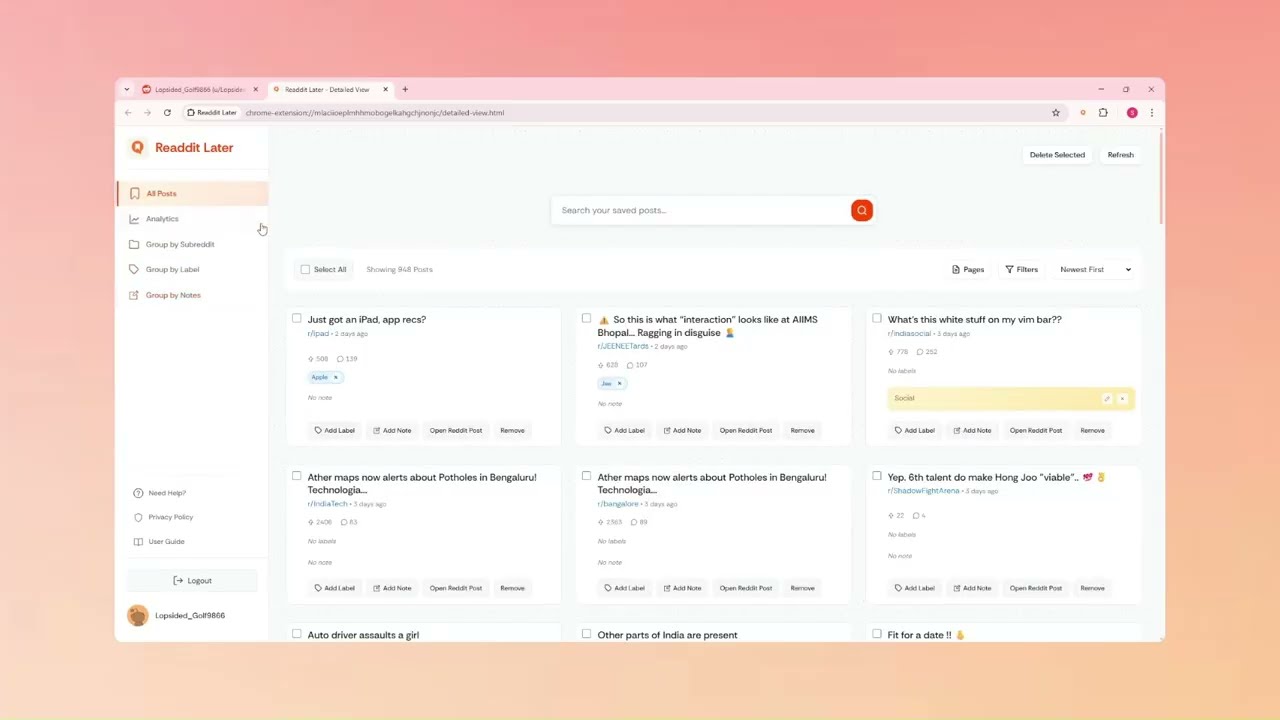
Get Started in 2 Minutes
Install, sync, and have your entire Reddit save history organized before your next tab opens. This is where it begins.
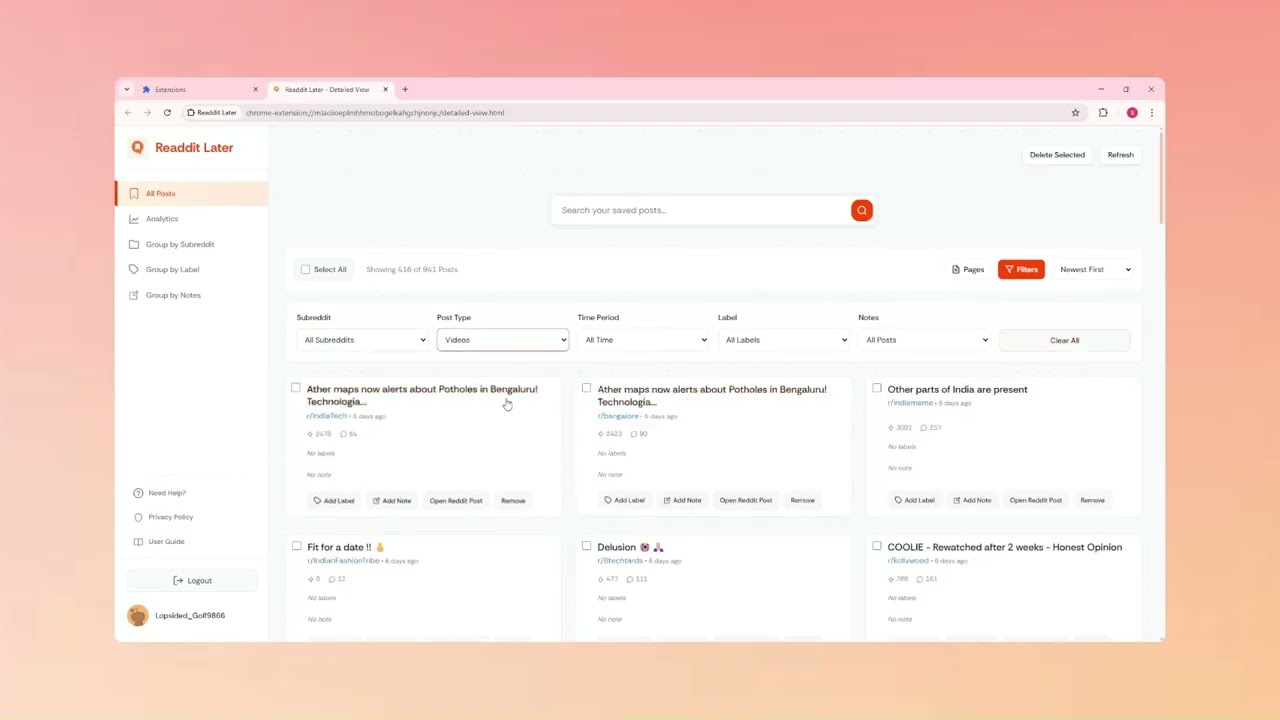
Find Anything Instantly with Filters
Your saves are only valuable if you can surface them. Learn how to filter by subreddit, date, and post type to retrieve exactly what you need.
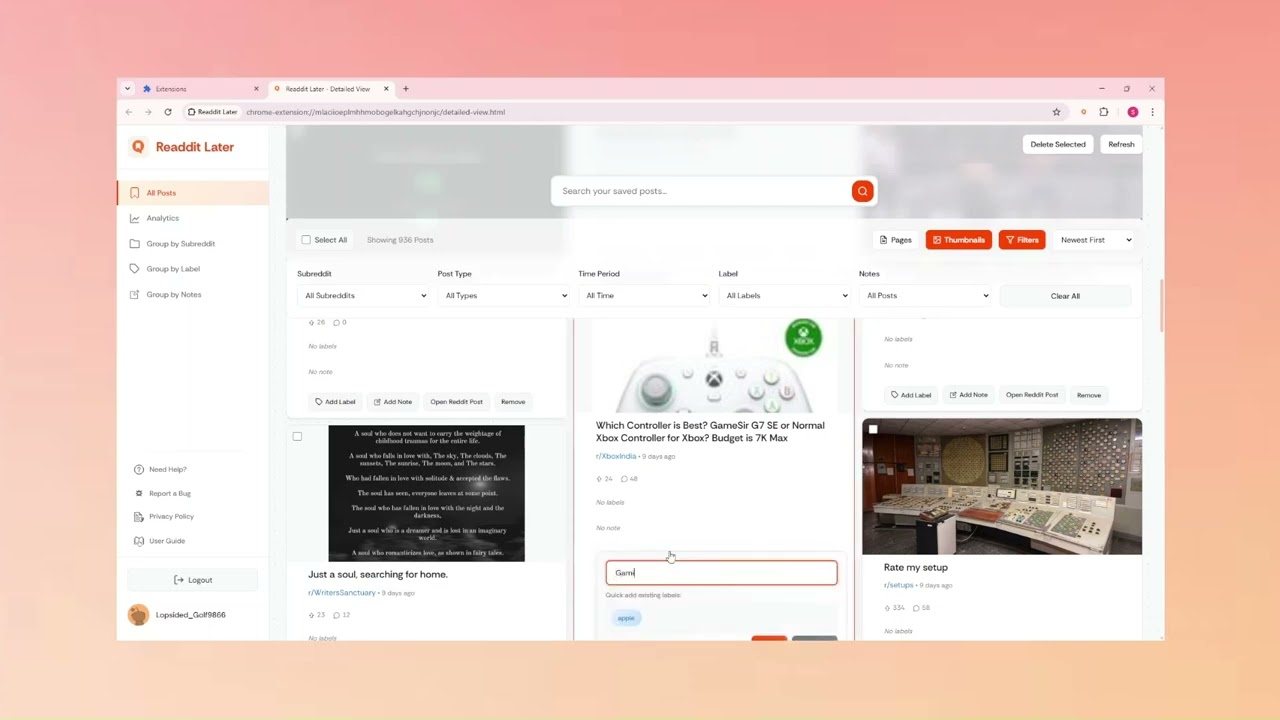
Build Your Own Organization System
Custom labels let you structure your library around your workflow - by project, topic, client, or however your brain works. Here's how.
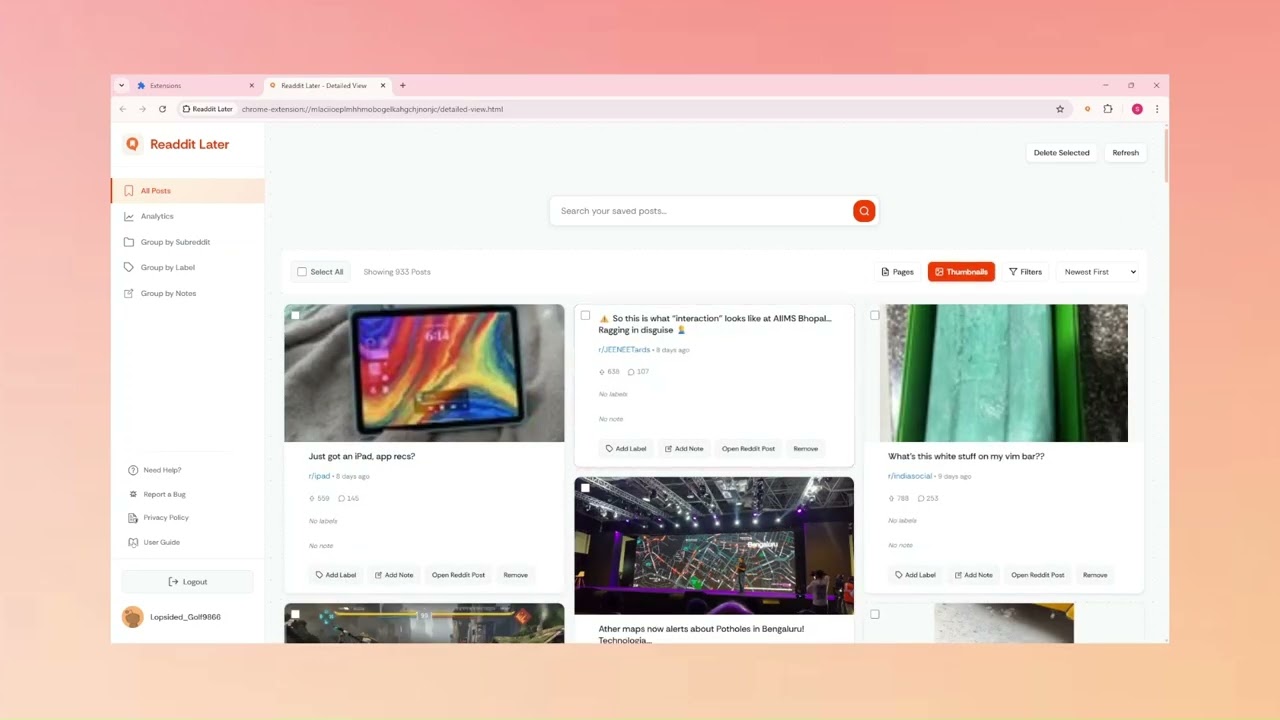
Enable Thumbnails for Visual Browsing
Sometimes you remember a post by how it looked, not what it said. Turn on thumbnail previews to scan your collection visually and find it fast.
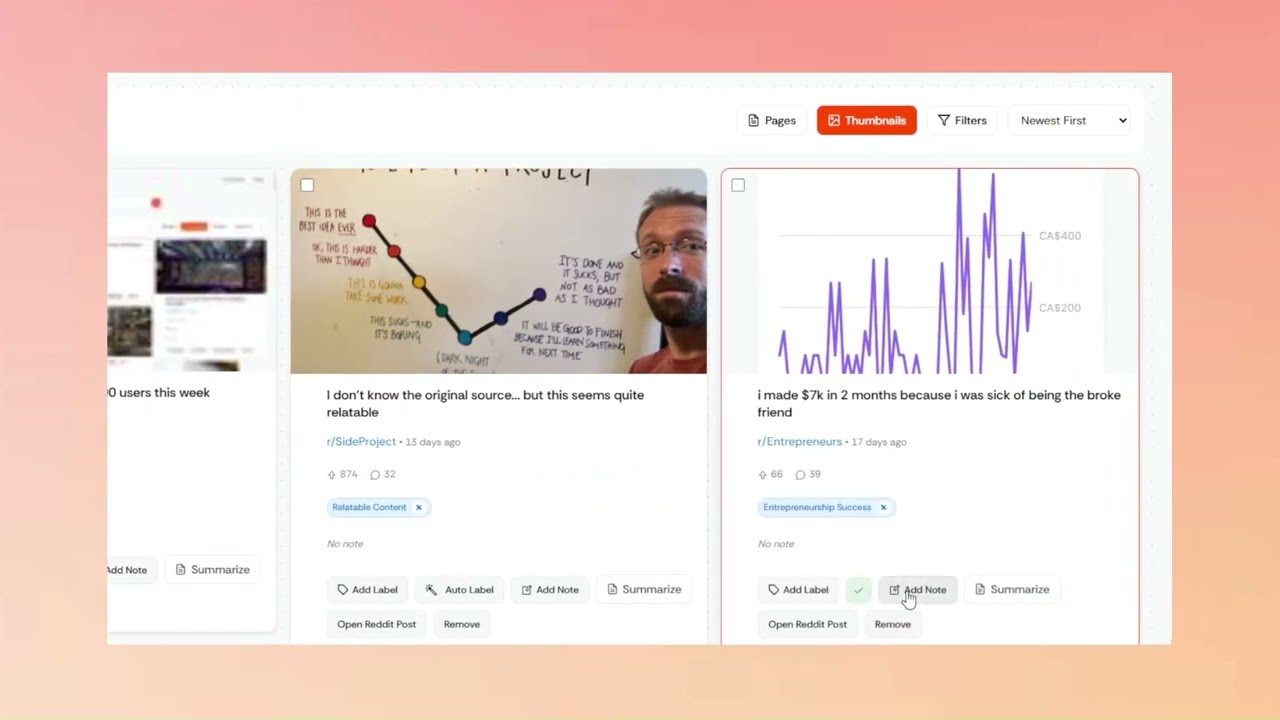
Let AI Suggest Labels On Demand
Not sure how to categorize a post? One click and AI suggests the right tags instantly. You decide what sticks - no automatic changes, ever.
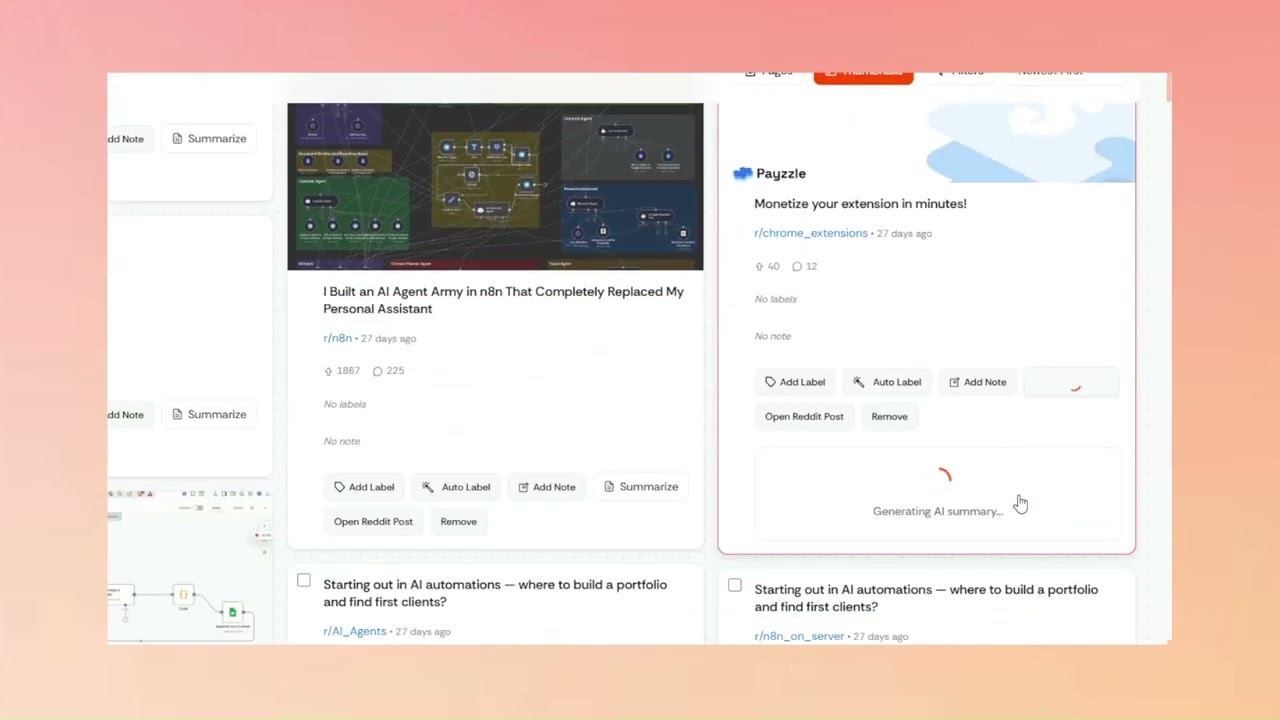
Extract Key Insights with AI Summaries
Stop reading 5,000-word threads to find the one insight you need. Generate an AI summary in seconds and decide if the full post is worth your time.
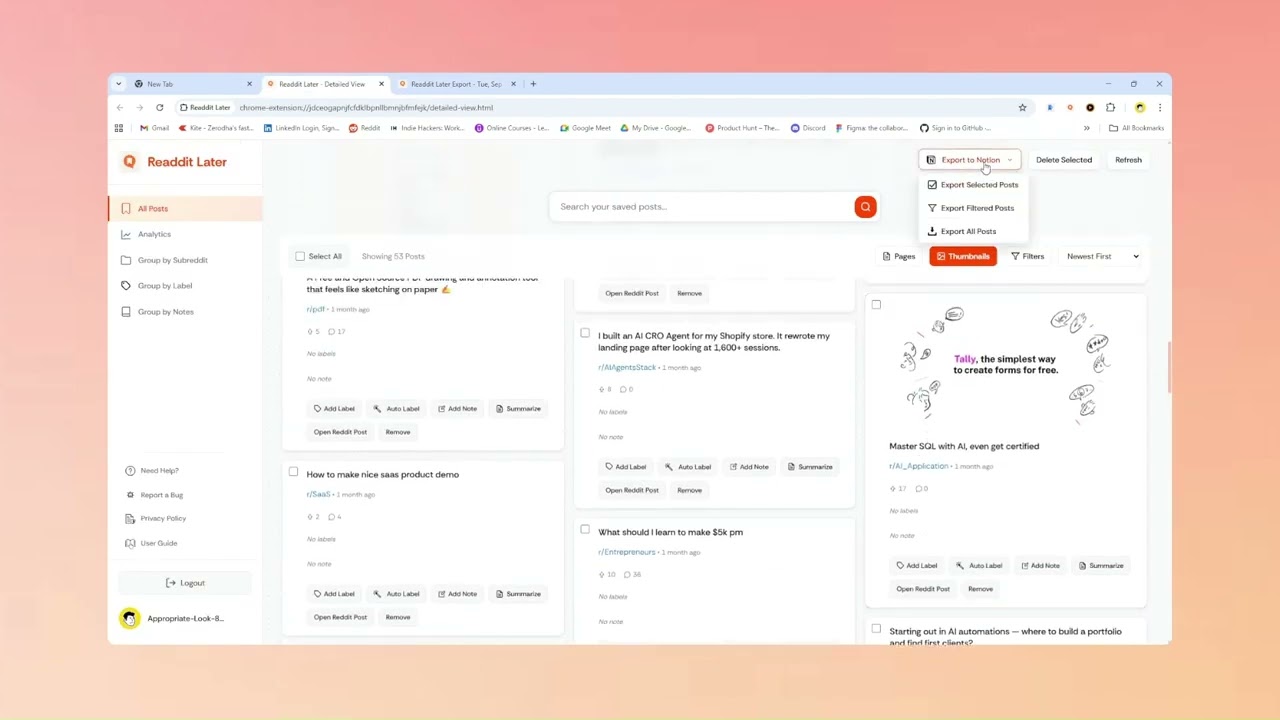
Push Your Research Directly to Notion
Your second brain lives in Notion. Your best research lives on Reddit. This is how you connect them - one click, formatting intact, ready to use.
Export Your Entire Library as CSV
Your research belongs to you. Export everything - posts, labels, notes, metadata - as CSV and plug it into any tool or workflow you want.

Every post you saved had a reason. Start getting value from them.
868+ Redditors already learn from their saved posts instead of losing them. An AI agent that acts on your library, auto-organization so every save is findable, daily resurfacing that brings back what you forgot, and export to Notion so your research lives where you work. Two minutes to set up. Free to start.